Set up Sharpsum
The setup guide's steps, and what each one changes in your figures.
-
Step 1
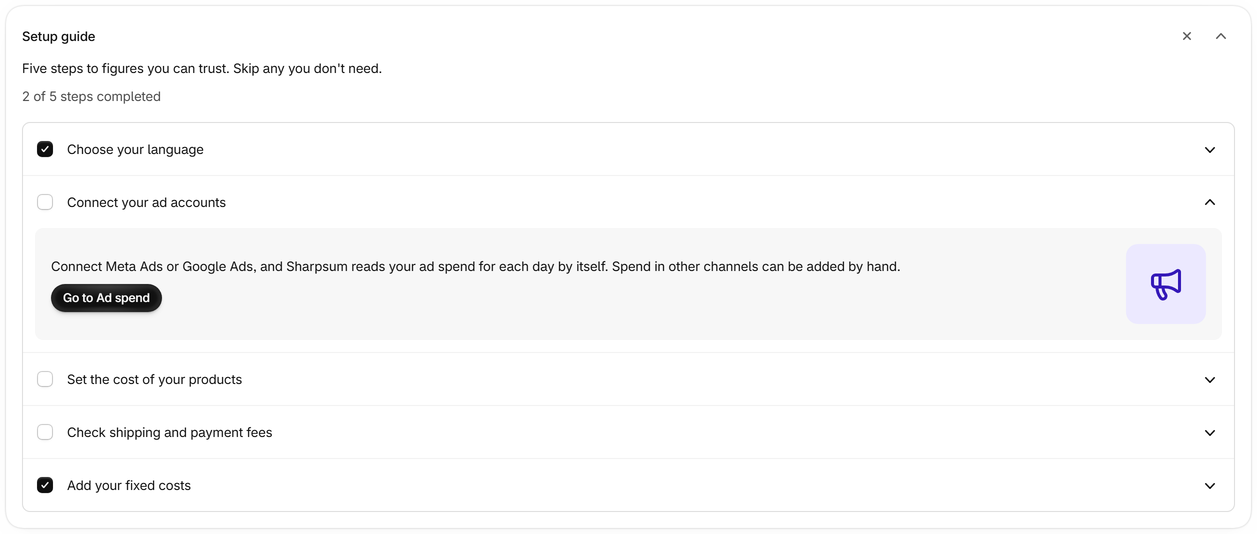
Open the setup guide
It sits at the top of the Profit page until you close it, and Help brings it back. Sharpsum reads your orders from the last 13 months when it is installed, so your figures are there from the start.
-
Step 2
Choose your language
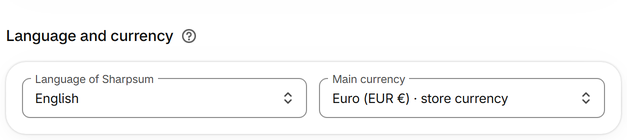
Sharpsum is in 25 languages. Each person in your store chooses their own, in the setup guide or in Settings.
-
Step 3
Connect your ad accounts
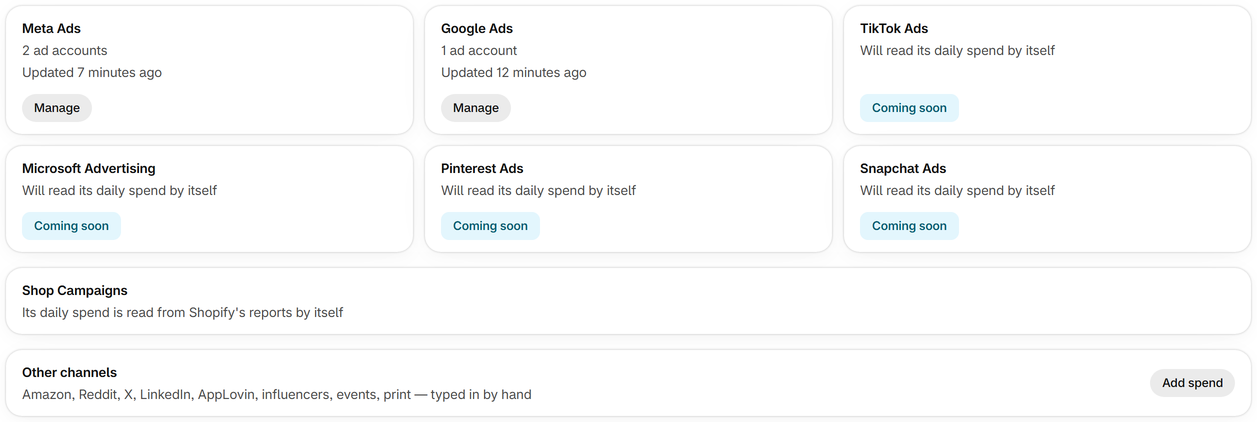
On Ad spend, connect Meta Ads and Google Ads, and their spend comes in automatically for each day. Shop Campaigns are read from Shopify with nothing to connect, and other channels are typed in.
-
Step 4
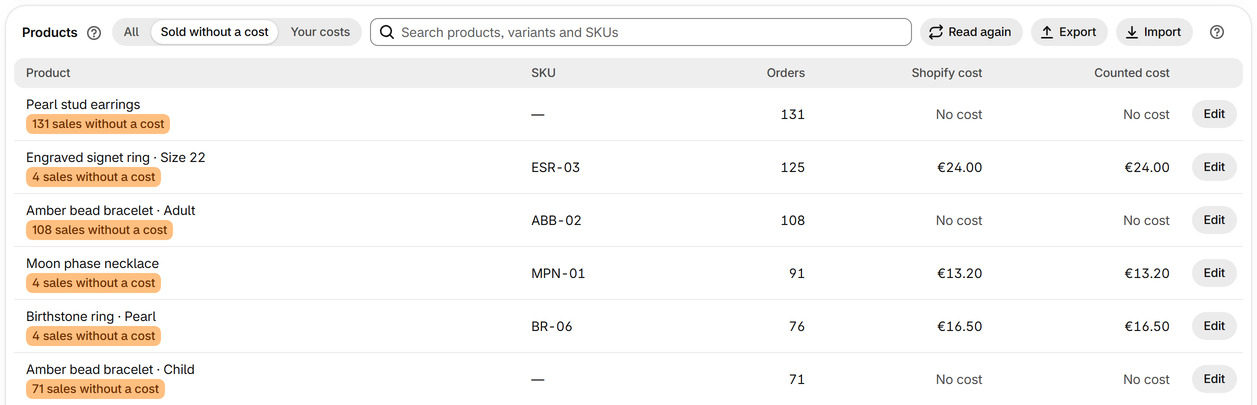
Set the cost of your products
The setup guide names the products you sold without a cost per item. Set the cost on each product in Shopify, or on Product costs, where a cost can count for past sales too.
-
Step 5
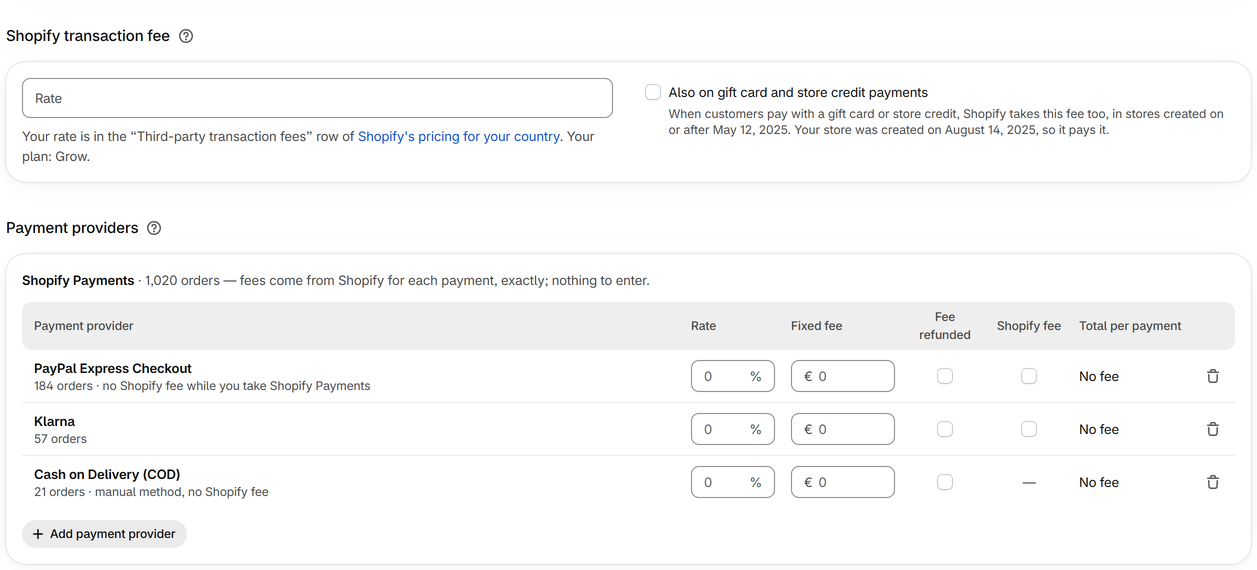
Check shipping and payment fees
In Settings, choose how shipping cost is counted, and enter the rates of payment providers other than Shopify Payments, whose fees are read for each payment.
-
Step 6
Add your fixed costs
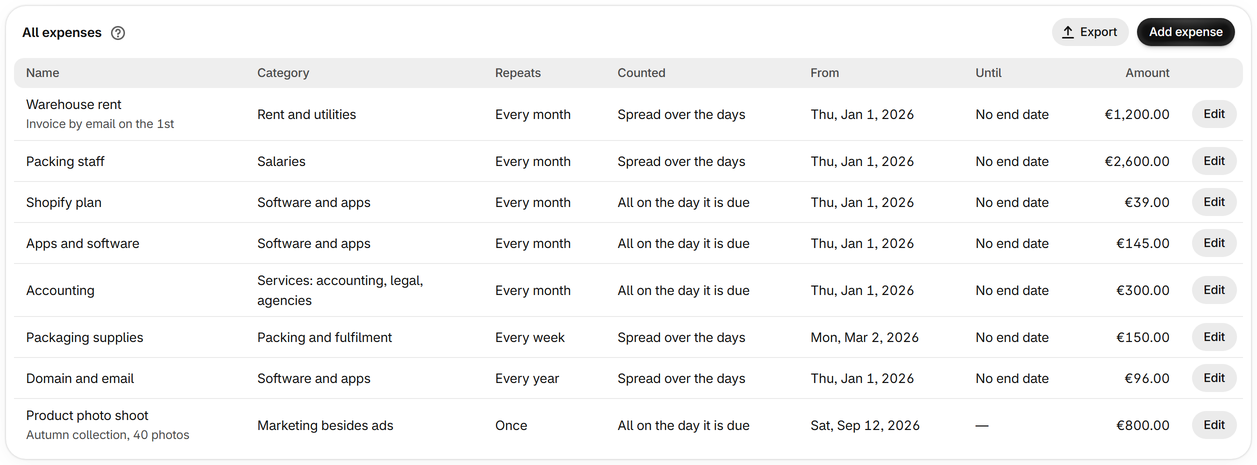
Rent, salaries, apps and other costs not tied to orders go on the Expenses page, and come off profit on the days they cover.